AST Networks logo
CONTACT US

How do I make a call with my Iridium satellite phone?

FAQs
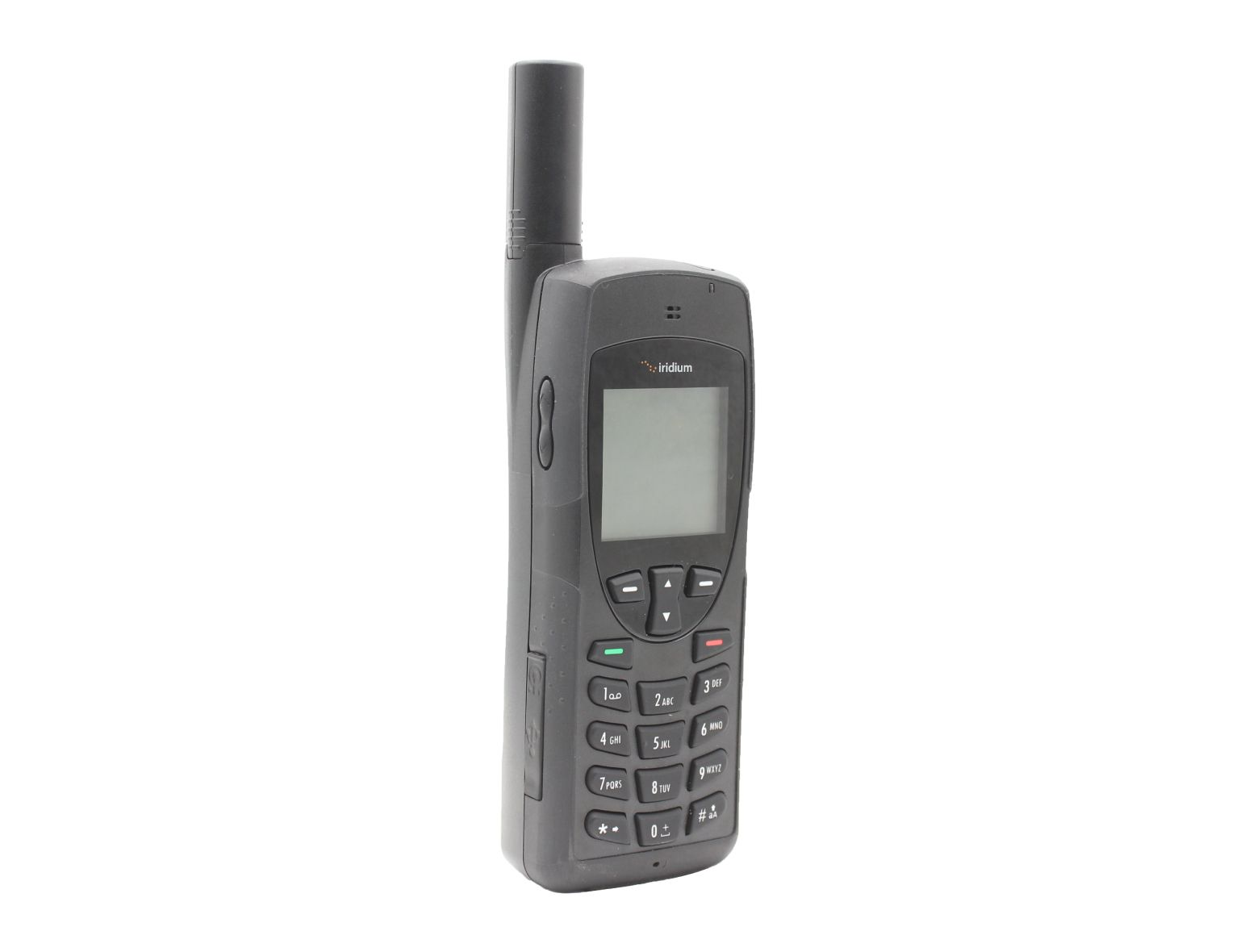
Iridium 9555: Satellite Phone - Iridium Satellite Phone

To make a call with your Iridium satellite phone, extend the antenna into its full position and point it straight up at the sky. Press the power button on the phone. You should see the Iridium splash screen, followed by 'Searching' and finally 'Registered'. Once the phone is registered you are ready to dial.

Related Case Studies

Contact our Regional Offices
The AST Networks Advantage:
Gear Icon
Dedicated
Account Manager
Spanner Icon
24 / 7
Support Service
Hand Icon
Custom
Business Solutions
Email Subscribe
Copyright © 2025 AST Networks Registered in England Company No: 2153172, VAT No: GB 720 1086 83
CHAT WITH SUPPORT
en_GBEN
linkedin facebook pinterest youtube rss twitter instagram facebook-blank rss-blank linkedin-blank pinterest youtube twitter instagram