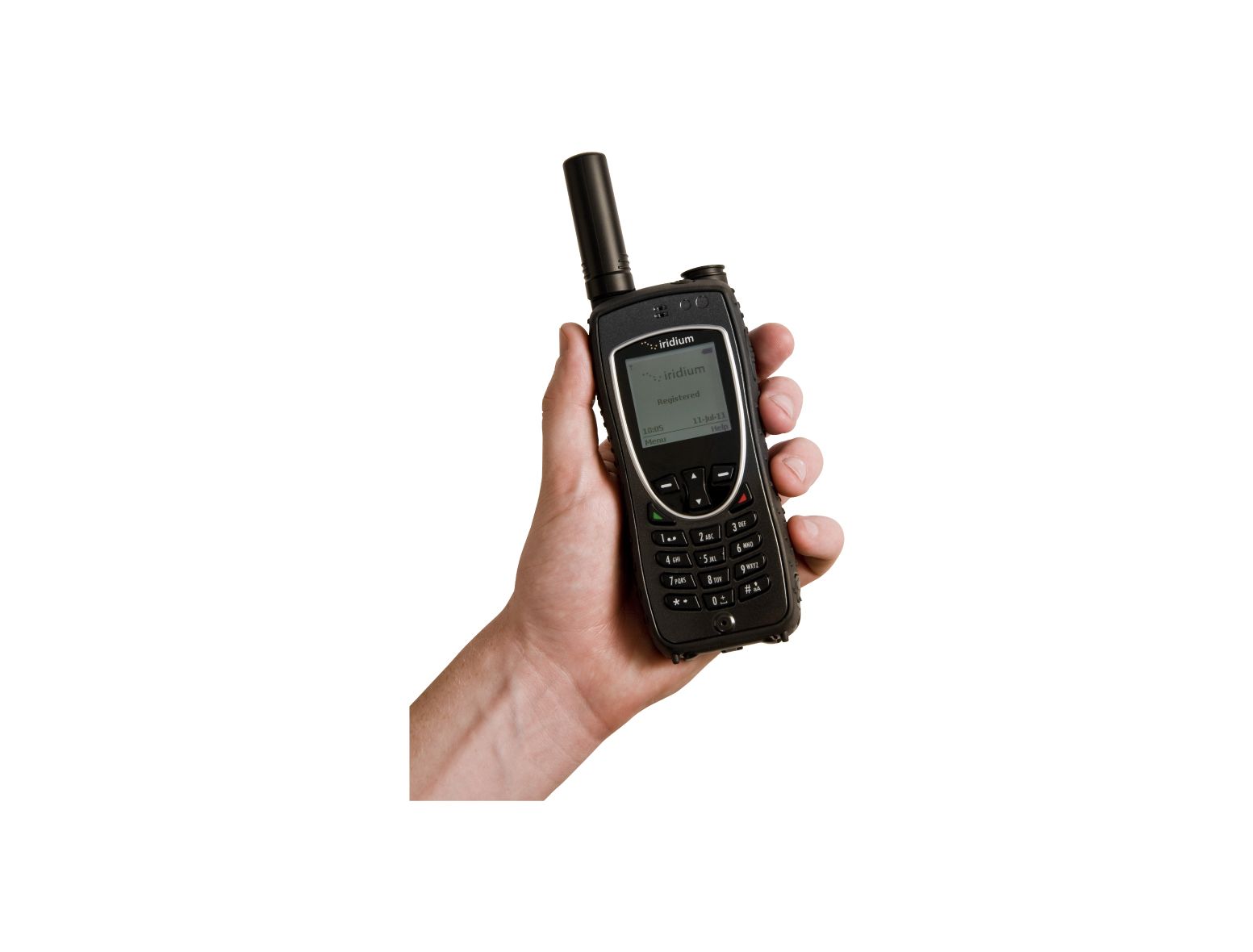
On your Iridium phone, press the 0 key until the + appears or dial “00”. Dial the country code, area code and phone number. - Example: + (country code) (area code/city code) (phone number) - Example: + 1 416 253 6008
It's crucial to remember the international dialling format when making calls from an Iridium phone, as you are essentially making an international call regardless of the destination. The + symbol (or 00 if your phone doesn't support the + prefix) serves as the international access code, signalling to the Iridium network that you are initiating an outbound international call.
Skipping this step or misdialling the country code will result in your call failing to connect, as the network won't correctly route your attempt to the terrestrial telephone system.


 EN
 ES